Chrome extension
Install Stynch without breaking your LinkedIn workflow
The extension starts analysis from a LinkedIn profile page opened in Chrome. Keep a reasonable pace when visiting profiles.
Open Chrome Web Store
1
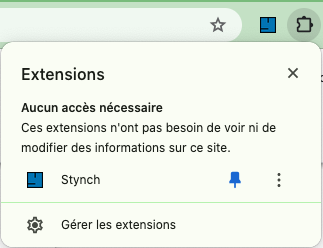
Install
Add Stynch from Chrome Web Store, then pin the button in your toolbar.
2
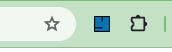
Analyze
Open a LinkedIn profile, click Stynch and read available signals.
Free plan: 3 profiles per month to test. For copywriting, coaching or recruiting sessions, check pricing.
View pricing.